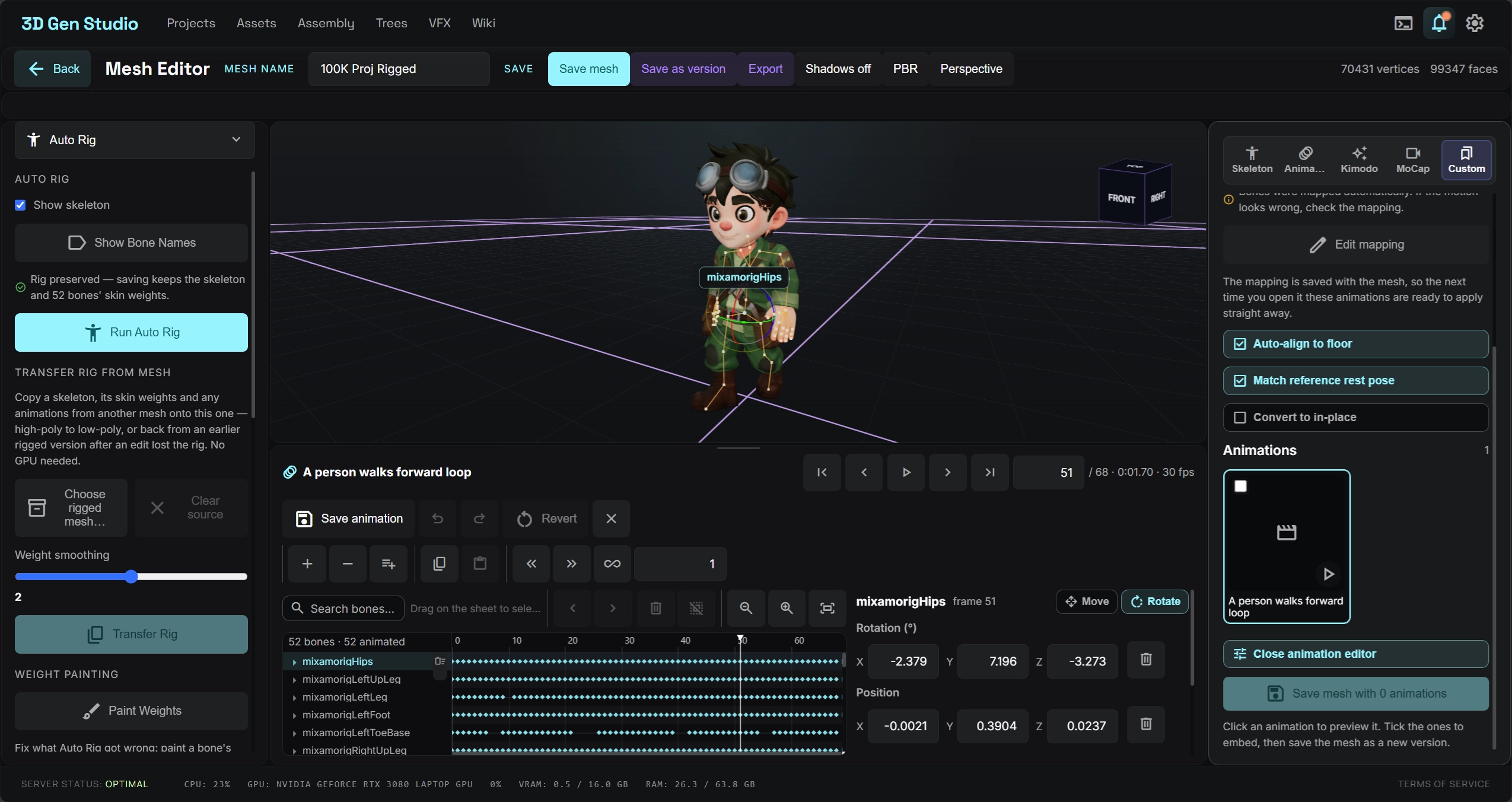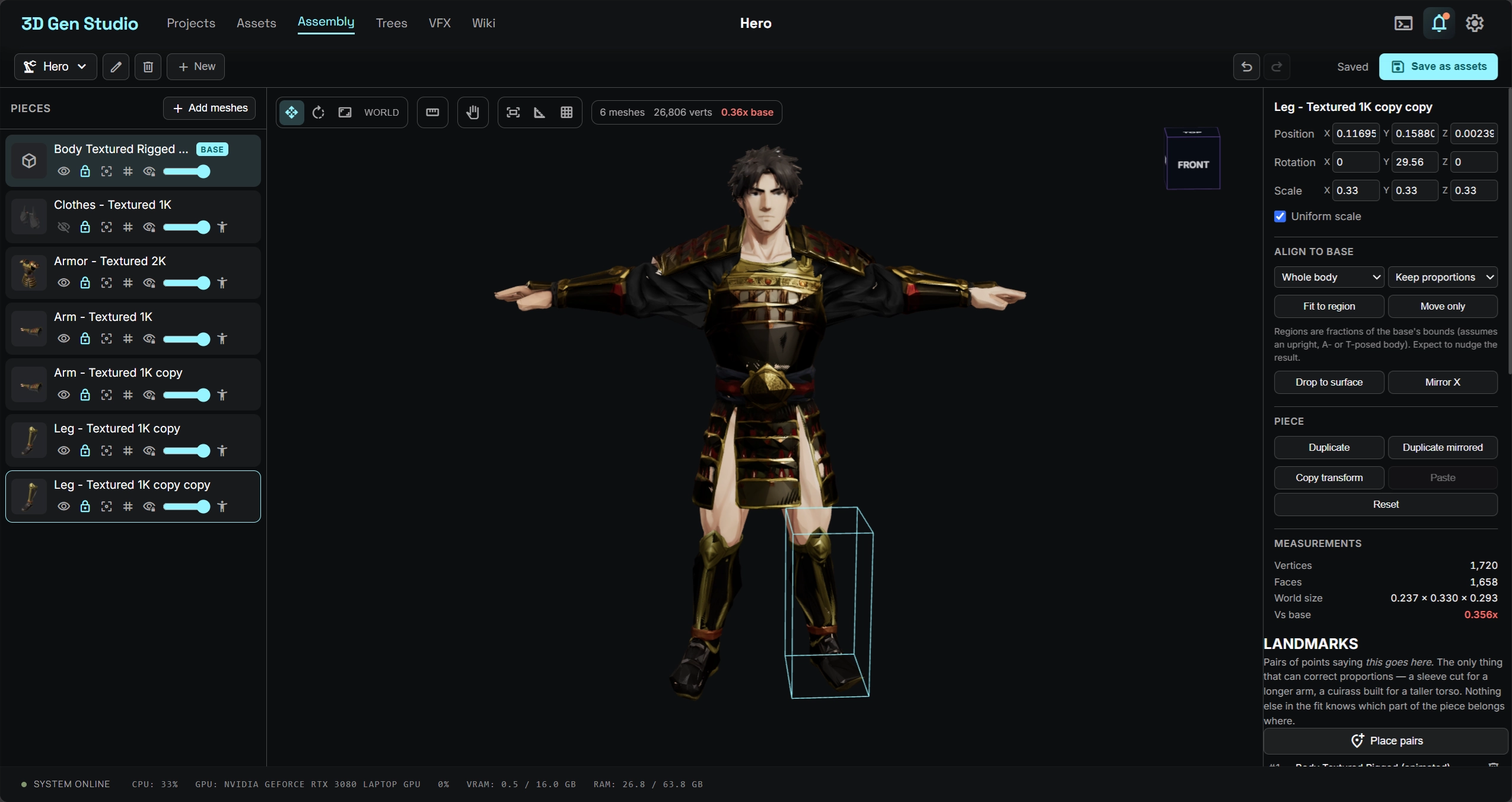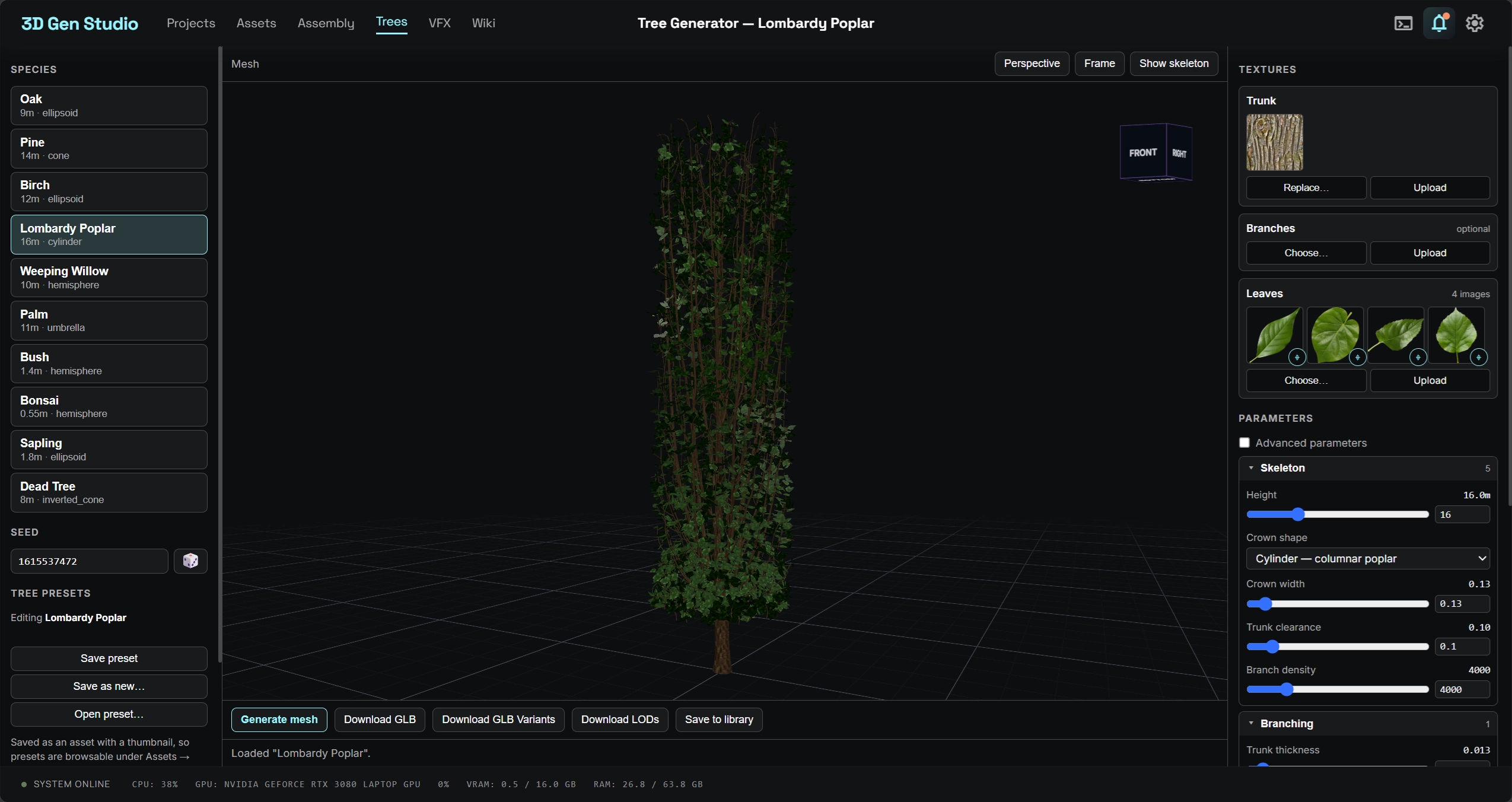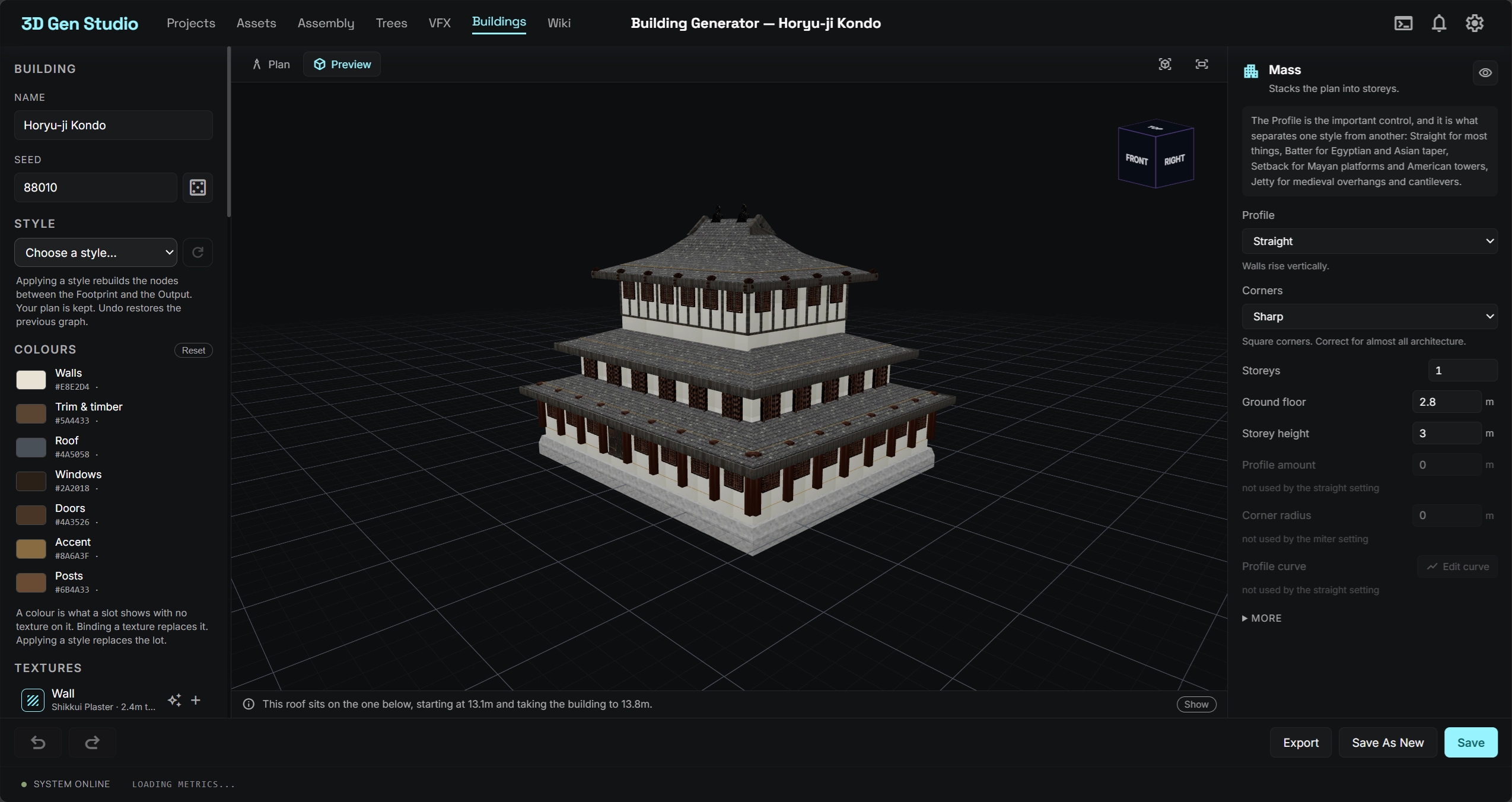
Open Source · ComfyUI Native · v0.1.0

The AI-Powered
3D Mesh Studio

Orchestrate complete 3D generation pipelines — from text-to-image, image editing, mesh generation, UV unwrapping, to texturing — all in a single visual workspace powered by ComfyUI and external APIs.

ComfyUI Workflows REST & GraphQL APIs GLB / OBJ Export Open Source
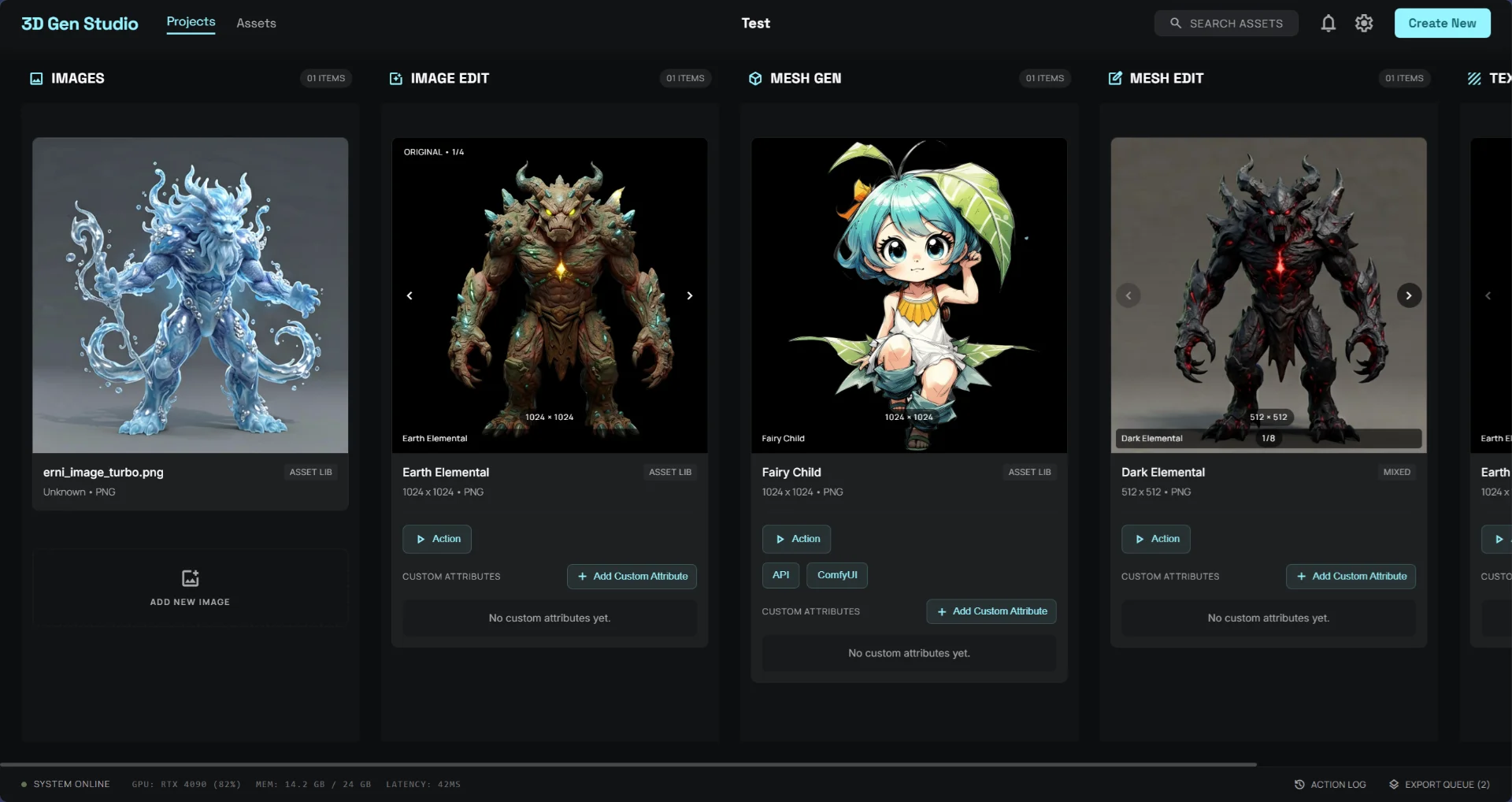
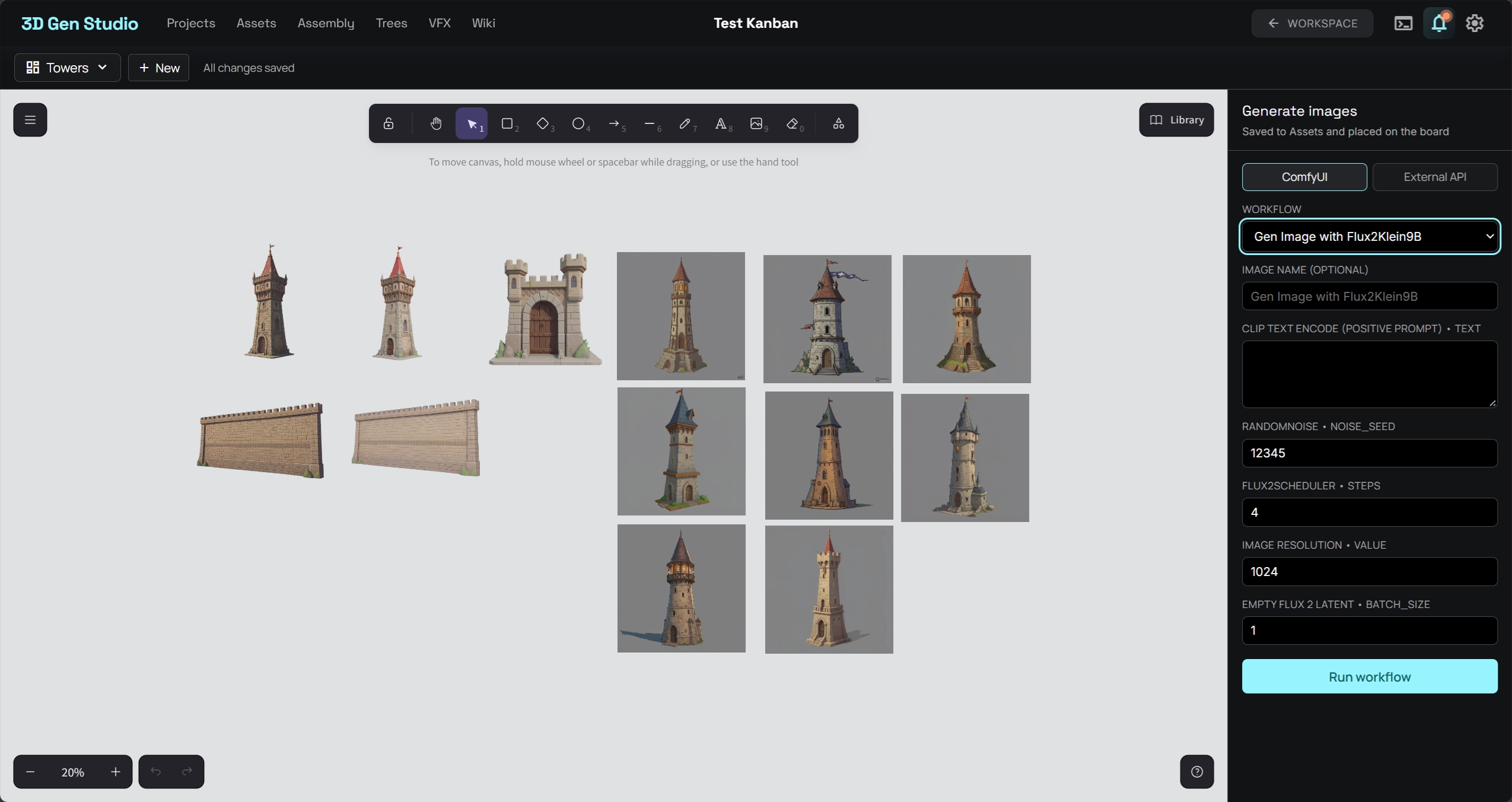
3D Gen Studio — Kanban View
3D Gen Studio Kanban view showing image and mesh generation pipeline
GPU STATUS RTX 4090 · 82%
ACTIVE WORKFLOW mesh_gen_turbo ● RUNNING
FULL PIPELINE COVERAGE
Text / Image Input
Image Editing
3D Mesh Gen
UV Unwrapping
Texturing
GLB / OBJ Export
PRODUCT TOUR

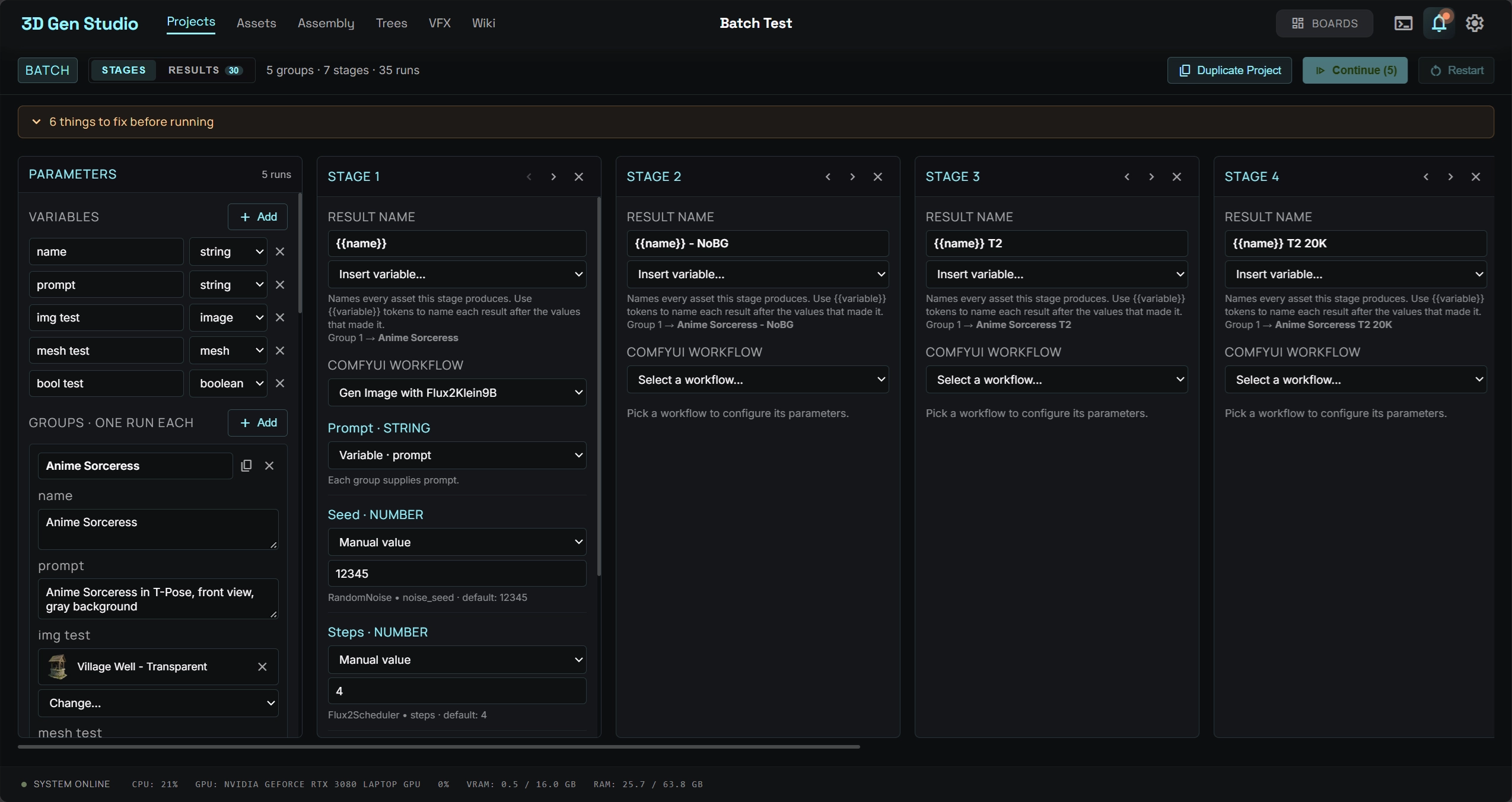
Two ways to see your work

Switch between Kanban and Graph view to manage and visualize your entire 3D production pipeline in the way that suits your style.

Kanban Board

Manage your 3D assets as cards flowing through automated pipeline stages — Images → Image Edit → Mesh Gen → Mesh Edit → Texturing. Each card carries its own ComfyUI workflow parameters, API tags, and custom attributes.

  • Drag-and-drop cards between pipeline stages
  • In-card image carousel with variant browsing
  • Per-card ComfyUI & API action triggers
  • Custom attributes & metadata tagging
Kanban board view of 3D Gen Studio showing pipeline stages

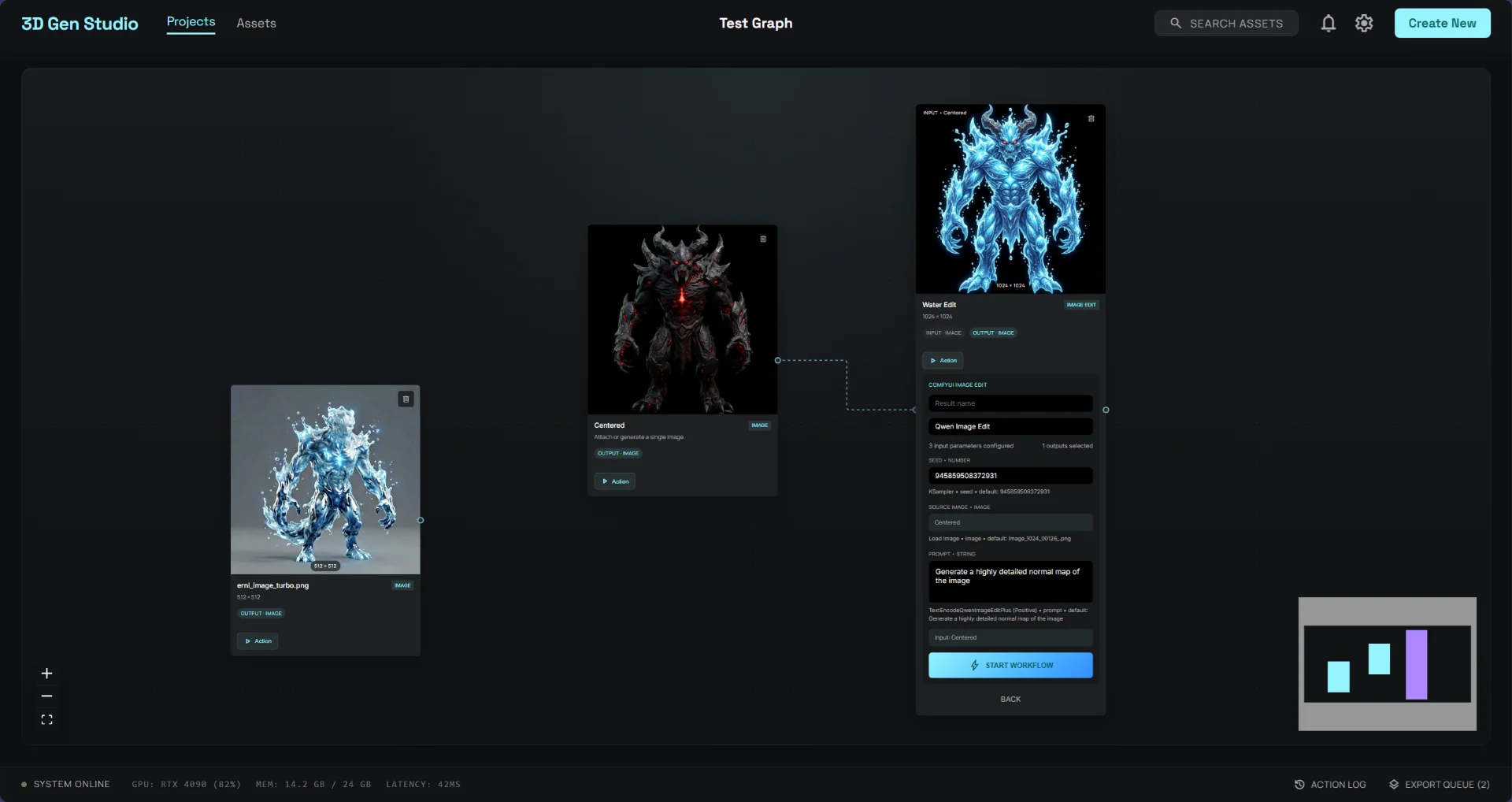
Node Graph

Visualize the relationships between your assets as a node graph. Connect image sources to edit nodes, mesh generators, and export pipelines. Inspect parameters and trigger runs directly from the graph canvas.

  • Visual node-based asset relationships
  • Click any node to open the inspector panel
  • ComfyUI workflow parameters inline
  • Start workflows with one click
Node graph view of 3D Gen Studio showing connected workflow nodes

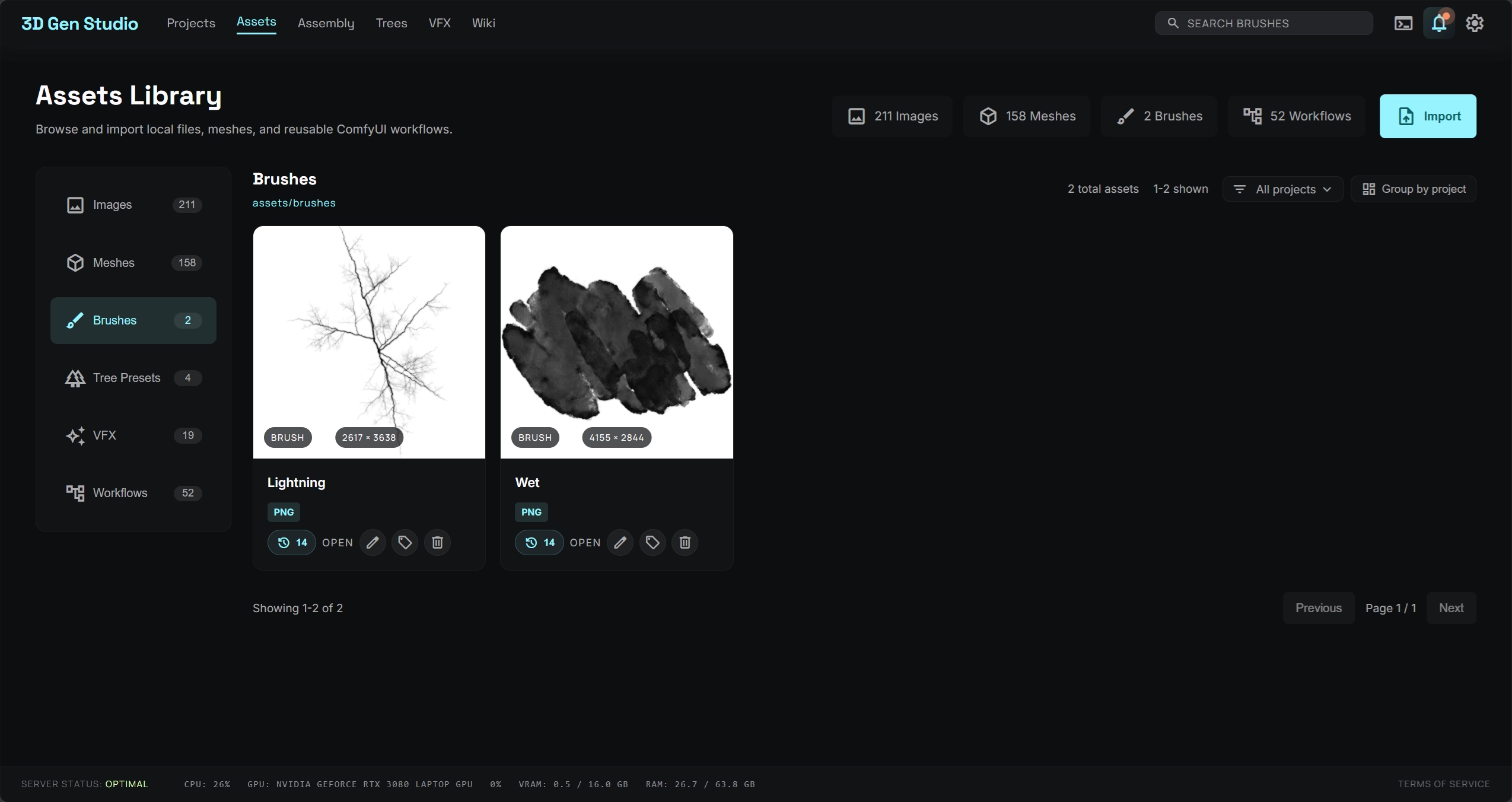
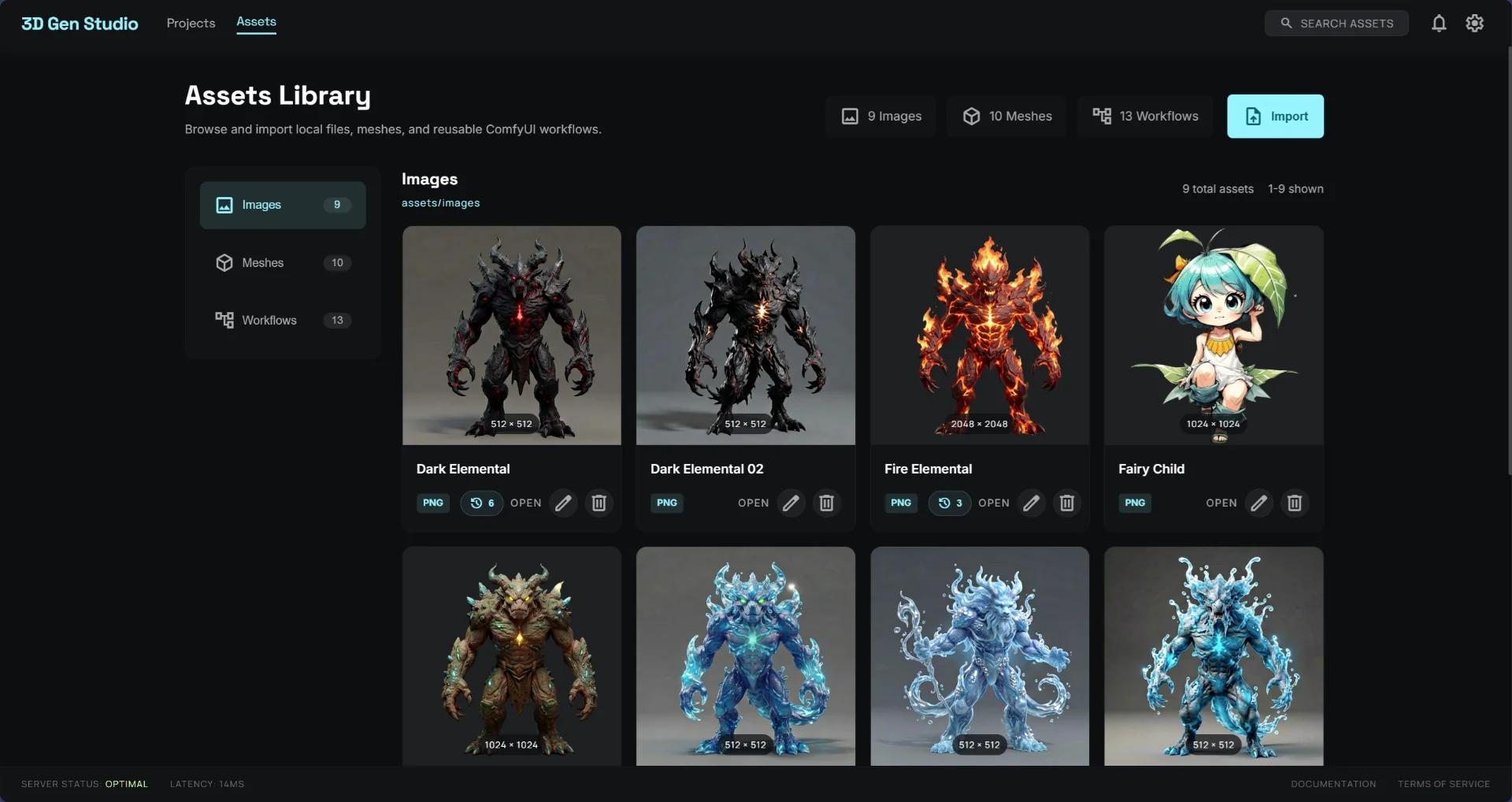
Assets Library

A centralized library for all your images, meshes, and ComfyUI workflows. Browse, filter, and import assets directly into any project. Track versions and link assets across multiple pipelines.

  • Unified view: Images, Meshes, Workflows
  • Version tracking per asset
  • One-click import into project
  • File format badges (PNG, GLB, OBJ, EXR)
Assets library view of 3D Gen Studio showing image and mesh collections
CAPABILITIES

Everything you need to ship 3D

ComfyUI Native

Run any ComfyUI workflow directly from a card or node. Pass dynamic parameters, capture outputs, and chain results to the next pipeline stage automatically.

workflow: "mesh_gen_turbo"
seed: 9458595083
prompt: "normal map of the image"

External API Support

Integrate any REST or GraphQL API. Tag cards with API endpoints and trigger generation via any third-party 3D service.

Kanban Workflow

Visualize each asset as it flows through your pipeline. Custom columns, card states, and progress tracking built-in.

Node Graph View

Switch to graph mode to see asset dependencies, data flows, and workflow connections as a visual node network.

Asset Management

Centralized library for images, meshes, and workflows. Import local files or pull from your last generation run.

Local-first Storage

Projects are stored as JSON files on disk — Git-syncable, portable across machines, no cloud lock-in ever.

HOW IT WORKS

From image to 3D in one pipeline

Each stage feeds the next. Use ComfyUI workflows or external APIs at any step — the results automatically flow to the next card in your board.

01

Create or Import an Image

Start with a text-to-image generation via ComfyUI, import an existing asset, or use an external API. The result lands as a card in the Images column.

02

Edit & Refine

Apply image edits — inpainting, normal map generation, background removal — using any ComfyUI workflow. Cards automatically move to the Image Edit column.

03

Generate 3D Mesh

Trigger a mesh generation workflow (e.g. TripoSR, Wonder3D, zero123). The resulting GLB or OBJ asset moves the card to the Mesh Gen column.

04

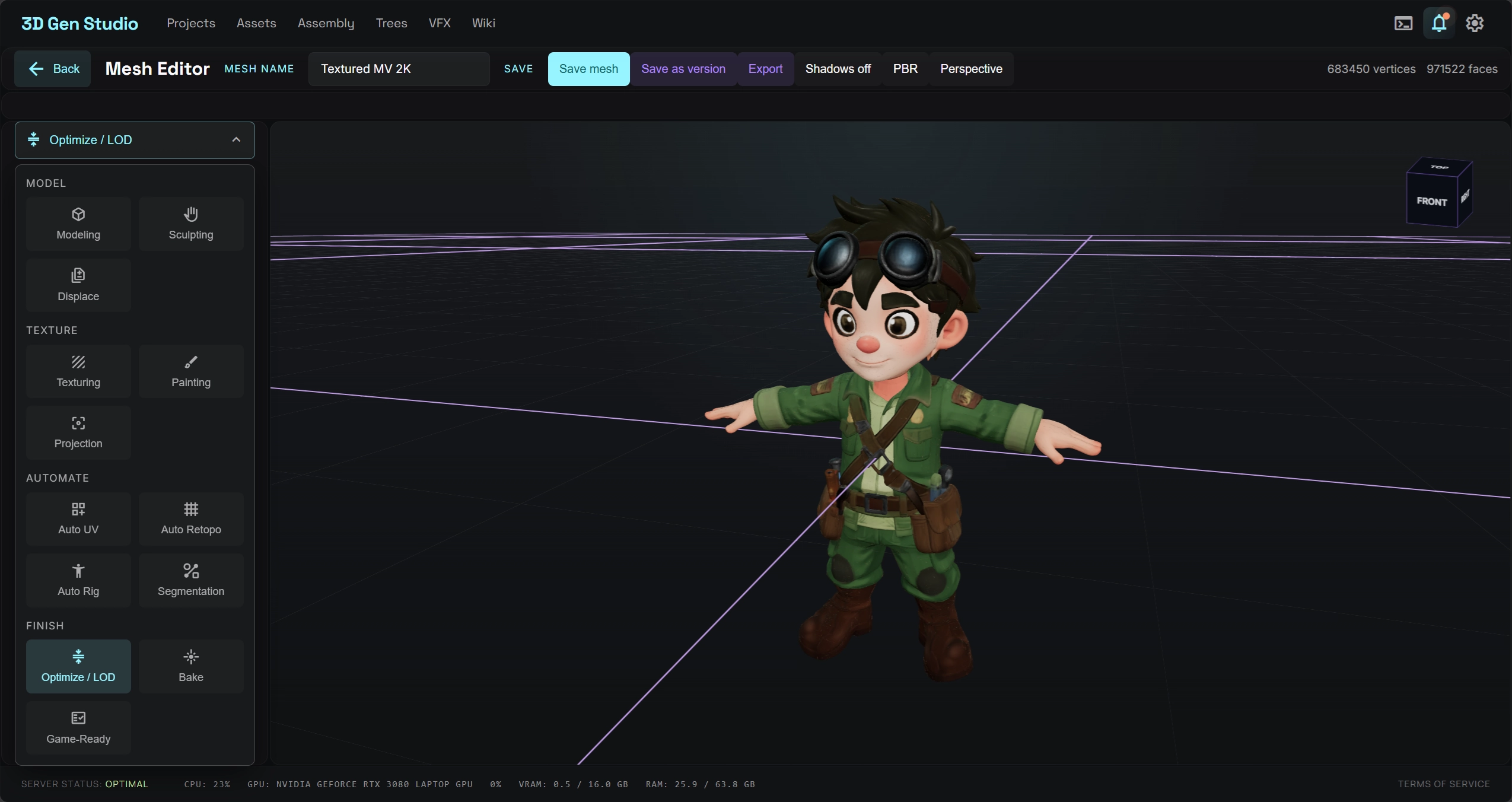
UV & Texture

Run automatic UV unwrapping and texture projection workflows. Layer multiple textures, apply normal maps, and preview results at any point in the pipeline.

05

Export & Publish

Export your finished mesh as GLB, OBJ, or EXR directly to your asset library. Queue multiple exports on the Action Log and track their status in real time.

OPEN SOURCE · FREE FOREVER

Start generating 3D today.

Install locally, connect to your ComfyUI instance, and ship your first 3D asset in minutes.

git clone https://github.com/visualbruno/3DGenStudio.git